
PDF Craft for Scanned PDF OCR and Conversion
The official online PDF Craft workflow for turning scanned PDFs into searchable, editable Markdown or EPUB while preserving layout, formulas, tables, and reading structure.
Drag & drop PDF file here
or
Supports PDF format, max 30 files, single file max 200MB, within 1500 pages
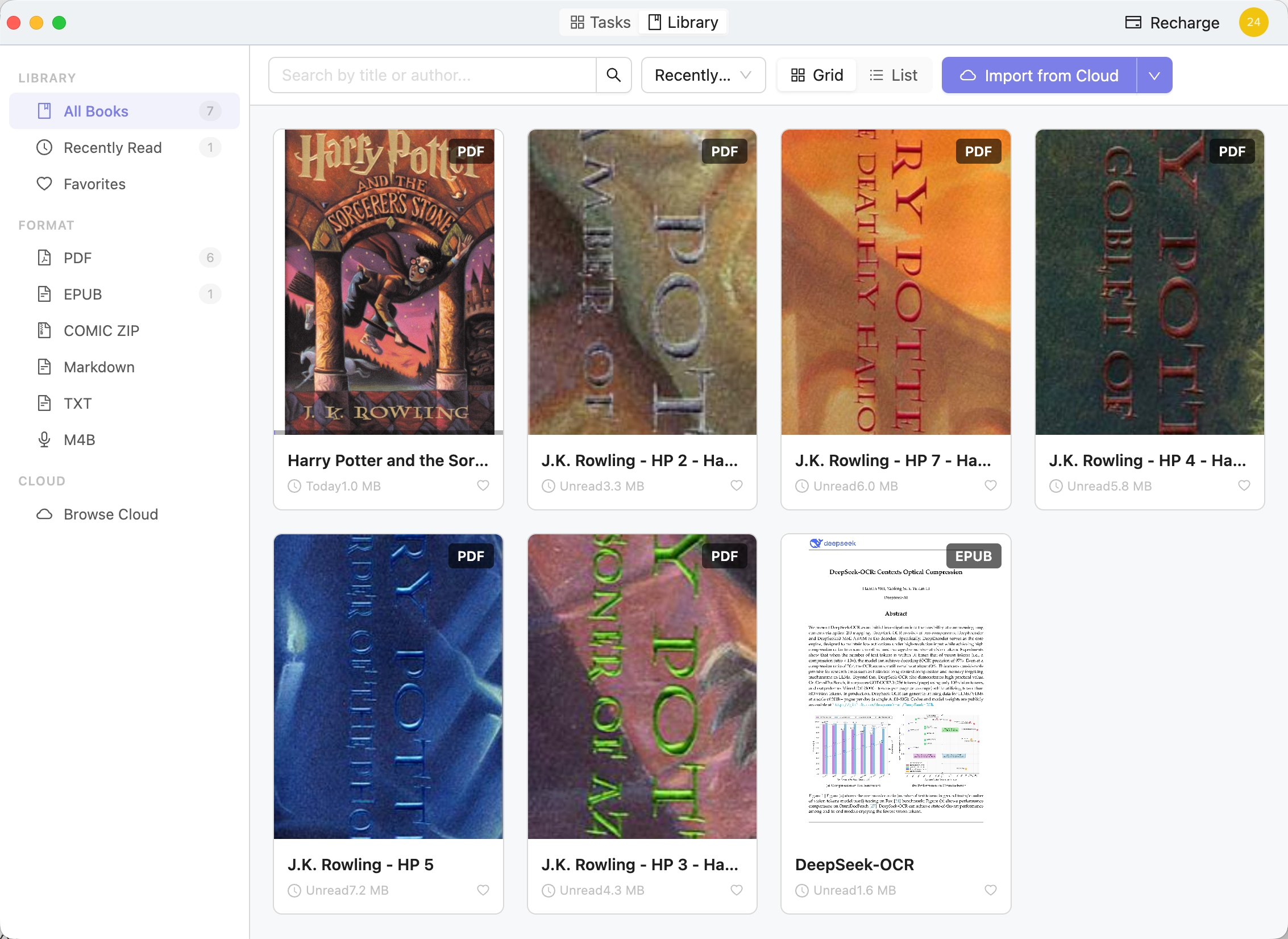
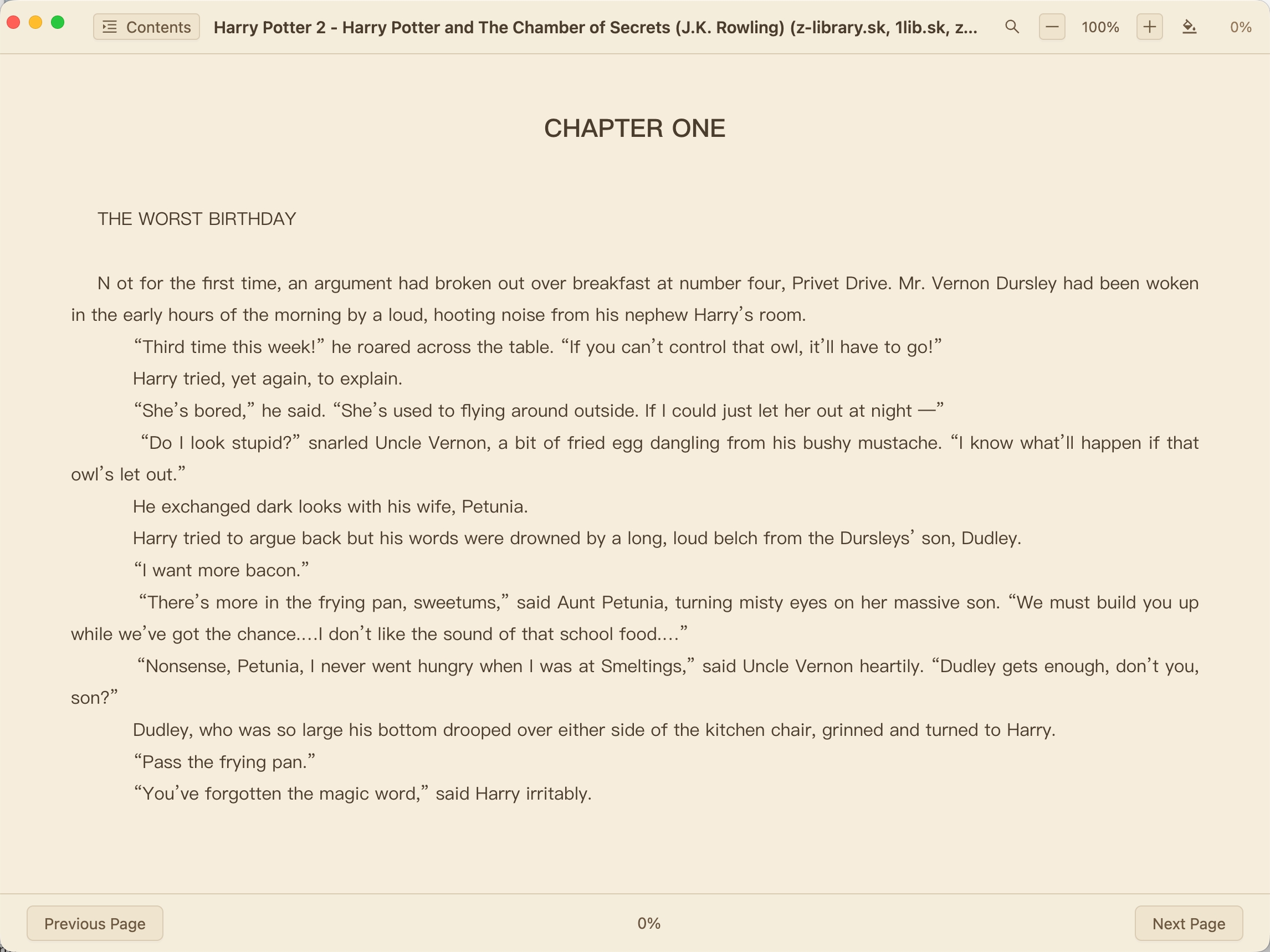
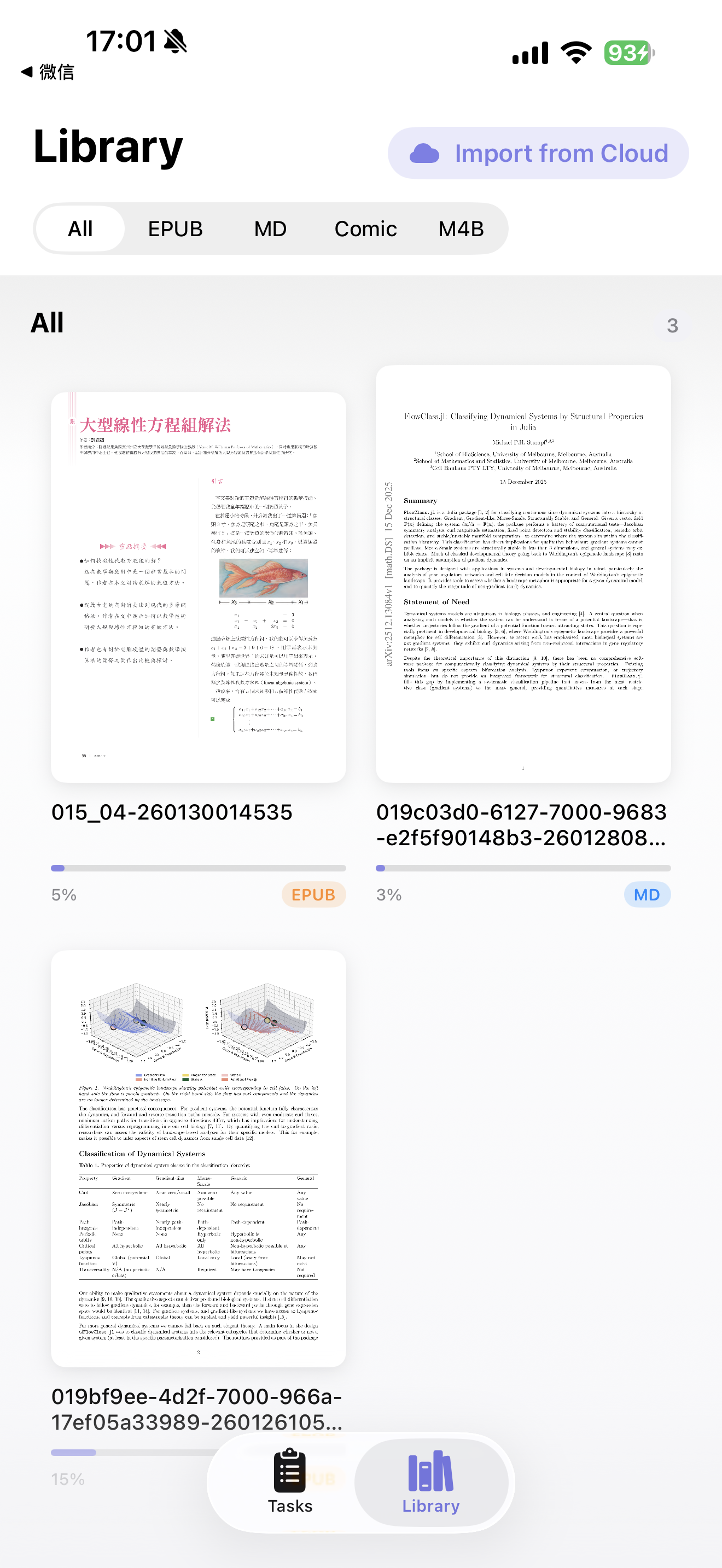
After a scanned PDF is converted, these are the 4 outcomes that actually matter
This page is built around OCR quality, complex layout retention, export flexibility, and what you can do after conversion. It fits paper-heavy material that needs to become searchable, editable, readable digital text.
Which PDFs are worth converting
Scanned books, papers, textbooks, handouts, double-column layouts, and files packed with formulas, tables, or footnotes are where this workflow makes the biggest difference.
What the output is really like
You end up with EPUB or Markdown that is easier to search, copy, proofread, and build on, instead of image pages that still look right but stay locked down.
How the work continues after export
Review OCR and layout on desktop first, then keep exporting, archiving, or reading. If you switch devices, you can pick back up on iPhone and iPad too.
Why start from this page
This is the official online PDF Craft experience for the same scanned-PDF workflow as the open-source project. If you need a result you can search, edit, and build on afterward, start here.